
Upload your audio files
Add your audiobook chapters or any audio files.
How It Works
Upload an ePub, review its chapters, choose the voice and quality you prefer, and generate a private RSS feed you can listen to anywhere.
Add your audiobook chapters or any audio files.
Your files are copied to your own Google Drive account.
We generate a private podcast RSS feed for your files.
Import the feed into your favorite podcast app and enjoy.
Choose the digital book you want to turn into audio.
We detect the book structure so you can keep the chapters you want.
Choose a voice and quality, then convert chapters or the whole book.
Import the private feed into your favorite podcast app and enjoy.
Go to your Lulliby Dashboard and copy your private RSS feed link.
Use Apple Podcasts, Overcast, Pocket Casts or any other app.
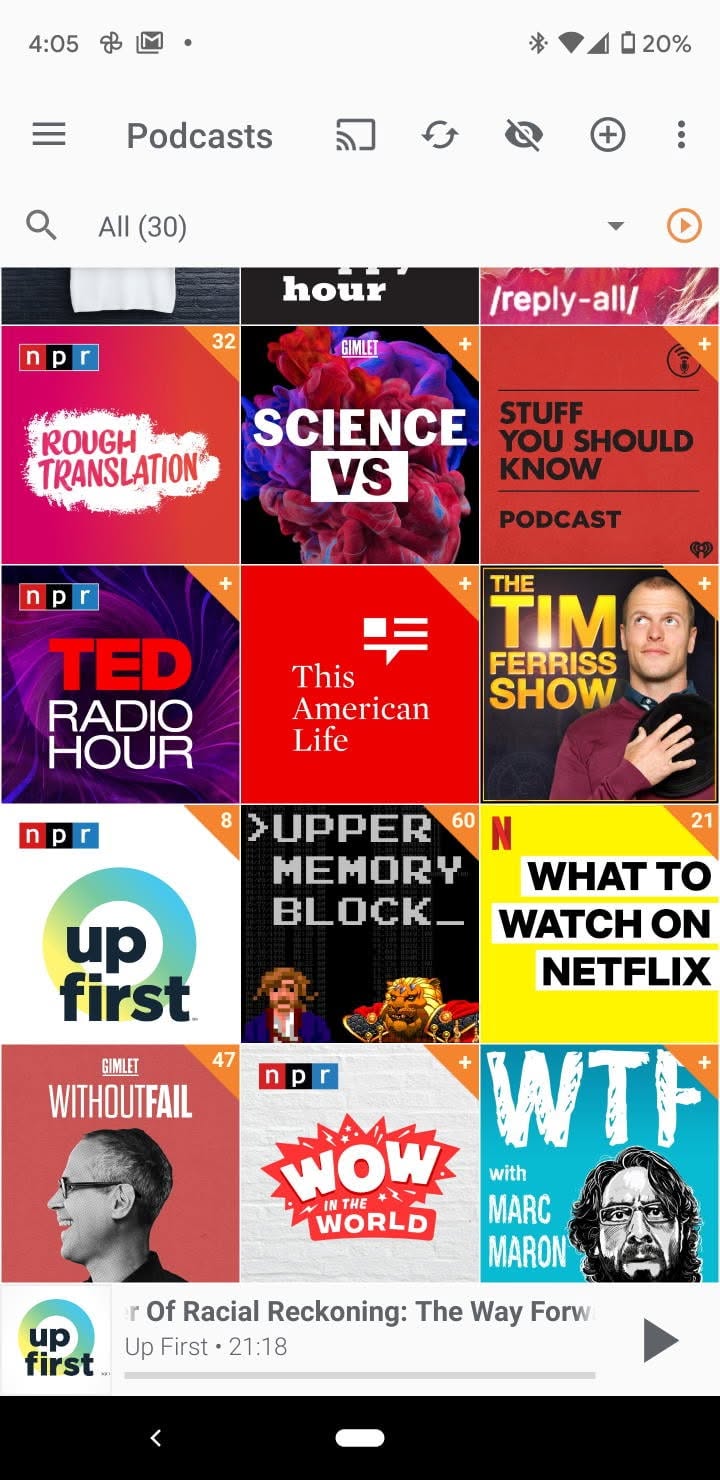
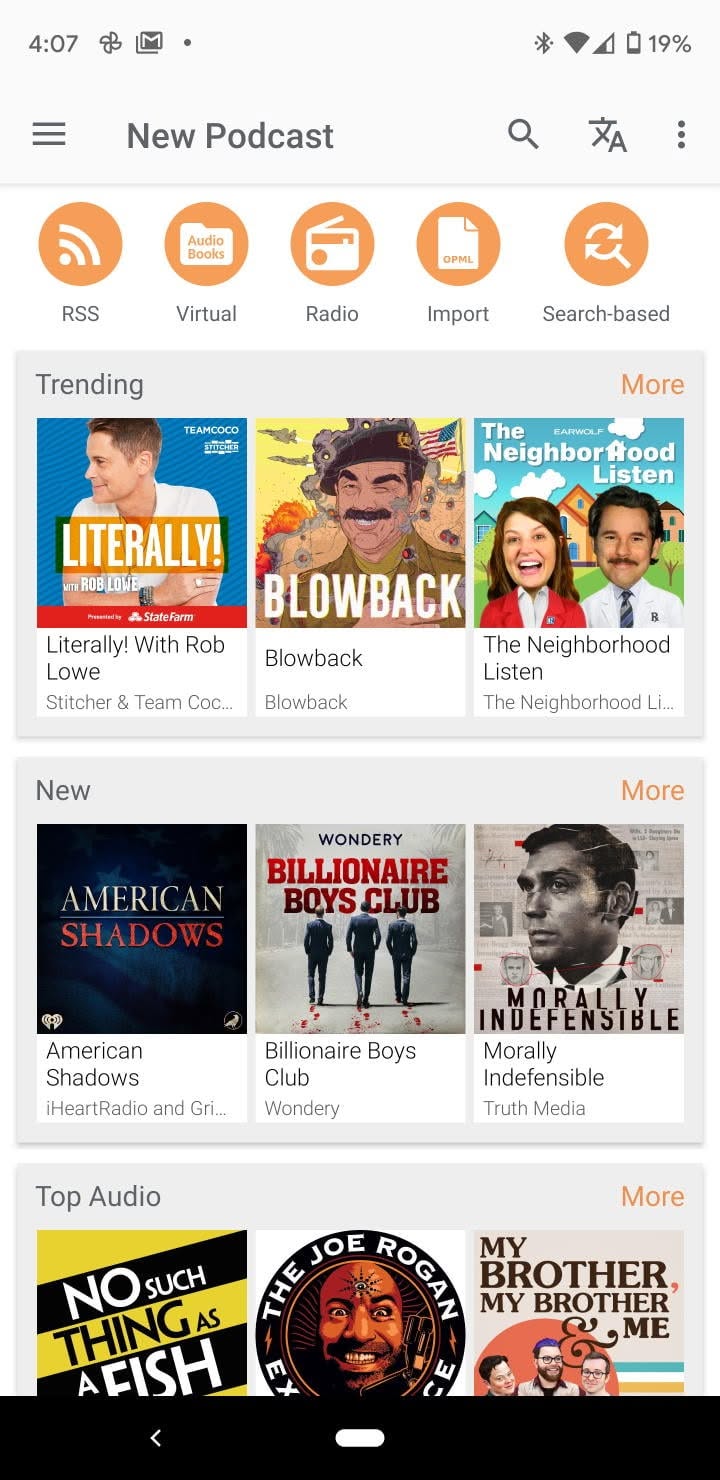
Find the option for adding a show by URL in the app.
Paste your RSS link and confirm. Your episodes will appear in the app.
Go to your Lulliby Dashboard and copy your private RSS feed link.
Use Podcast Addict, AntennaPod, Pocket Casts or any other app.
Find the "Add podcast by RSS URL" option in the app.
Paste your RSS link and confirm. Your episodes will appear in the app.
Create your audiobook and generate a private RSS feed in minutes.



 Home
Home
 NEW
NEW
 Library